Why Accessibility Overlays & Widgets Won’t Protect You From ADA Lawsuits (And What Actually Works)
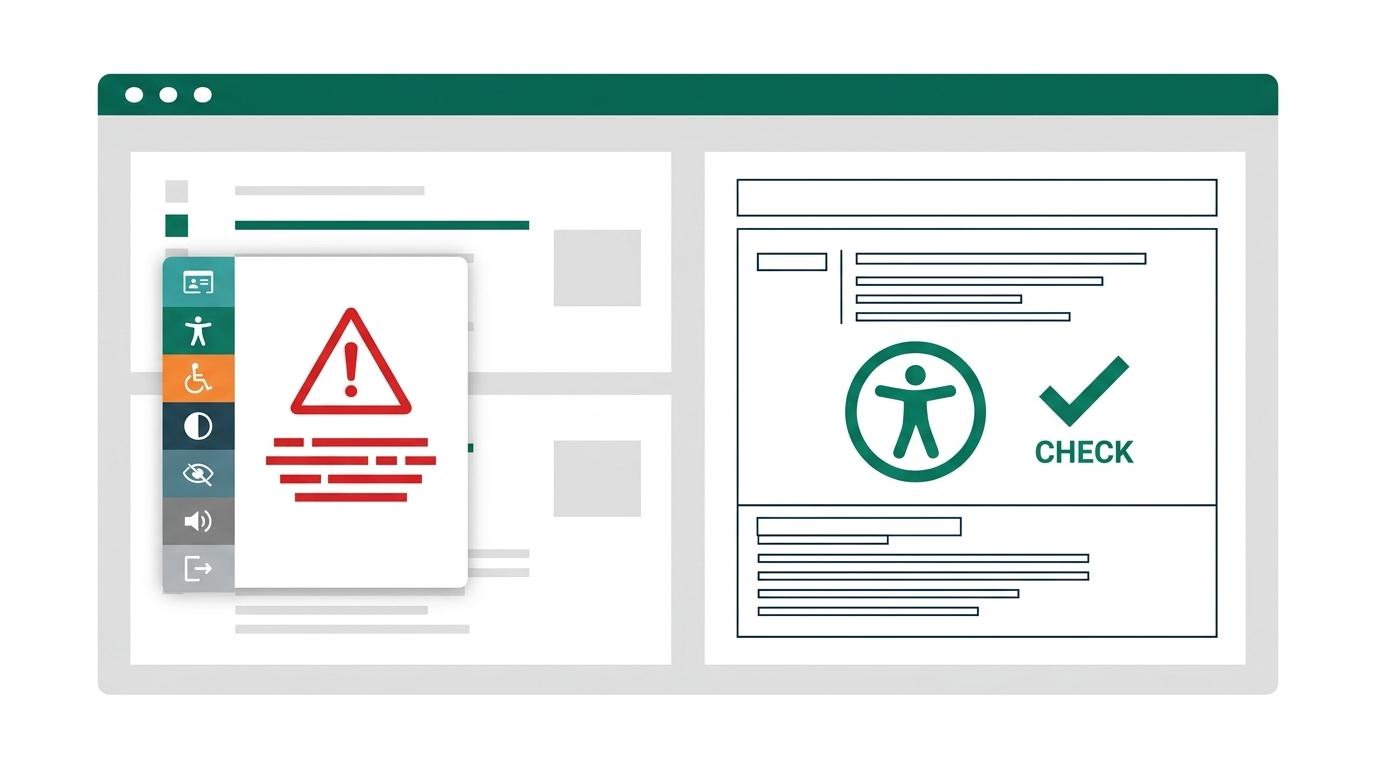
For business owners, product managers, and marketing teams, digital accessibility compliance often feels overwhelming. Faced with rising Americans with Disabilities Act (ADA) Title III demand letters and the European Accessibility Act (EAA), the promise of a "one-line JavaScript overlay" sounds like the ultimate quick fix: pay $50 a month, paste a script snippet into your site header, and instantly achieve "100% automated WCAG compliance."
Unfortunately, digital accessibility does not work that way.
Over the past few years, accessibility overlays and widgets have faced unprecedented criticism from the disability community, accessibility engineers, regulatory bodies, and federal courts. In reality, relying on an overlay plugin is frequently one of the fastest ways to attract legal scrutiny rather than prevent it.
Here is the technical and legal reality behind why accessibility overlays fail to deliver compliance—and what your organization must do instead to achieve true digital inclusion.
What Is an Accessibility Overlay?
An accessibility overlay (often marketed as an AI accessibility widget, compliance plugin, or assistive toolbar) is a third-party script injected into a website. It typically displays a floating badge (often featuring a wheelchair or person glyph) in the corner of the browser window. When clicked, it expands into a toolbar allowing visitors to adjust font size, alter contrast, highlight links, or toggle synthetic text-to-speech.
Vendors typically claim their proprietary AI algorithms automatically detect broken HTML, inject missing alt text, and fix keyboard navigation in the background without requiring developer intervention.
While the marketing narrative sounds compelling to executives, the underlying architecture fundamentally clashes with how assistive technologies actually interact with web content.
4 Technical Reasons Why Overlays Fail to Fix Web Accessibility
Assistive technologies—including screen readers (JAWS, NVDA, VoiceOver), refreshable braille displays, and switch access hardware—interact directly with the browser’s Accessibility Tree, which the browser constructs from native semantic HTML.
Overlays attempt to patch the visual UI using client-side JavaScript, creating deep technical conflicts:
1. They Interfere With Users' Configured Assistive Technology
People who rely on assistive technology have already customized their hardware, software, and browser settings to their specific physical and cognitive needs. When an overlay script injects its own synthetic screen reader or hijacks keyboard event listeners, it frequently clashes with existing screen readers, resulting in double-voiced speech output, severe lag, or trapped keyboard focus.
2. Automated AI Cannot Determine Contextual Intent
Automated scripts can easily detect missing code attributes, but they cannot determine contextual meaning:
- Alternative Text: An AI vision model might guess
alt="a person smiling at a desk", when the actual editorial context was explaining a specific customer workflow in a SaaS tutorial. - Form Inputs: An AI script cannot determine whether an unlabelled
<input>tag inside a multi-step checkout represents a "Billing ZIP Code," "Shipping Postal Code," or "Promotional Discount Code." - Dynamic Modals: Scripts rarely know which container represents the active dialog versus background content that must be hidden via
aria-hidden="true".
3. Dynamic SPAs & Component State Break Overlays
Modern web applications built with React, Next.js, or Vue dynamically render, update, and unmount DOM nodes based on user interaction. Overlay scripts frequently fail to track state mutations, single-page application (SPA) route transitions, client-side validation errors, or asynchronous data loading.
4. Zero Protection for Non-Web Touchpoints
Overlays only operate on standard HTML pages where the JavaScript snippet is loaded. They provide zero compliance or remediation for:
- Downloadable PDF reports, statements, and invoices (see our guide on how to create accessible PDFs)
- Native iOS and Android mobile applications
- Customer transactional emails and notification templates
- Secure third-party iframes and embedded checkout gateways
The Legal Reality: Overlays Don't Prevent ADA Lawsuits
If your primary motivation for installing an overlay was legal risk mitigation, industry lawsuit data reveals a concerning trend.
Over 900+ Lawsuits Filed Against Websites Using Overlays
According to annual digital accessibility lawsuit tracking by industry researchers such as UsableNet, hundreds of federal and state ADA lawsuits have been filed against businesses that had active overlay widgets installed at the time of the claim.
In practice, an overlay badge acts as a public billboard signaling to plaintiff attorneys that:
- The company recognizes that web accessibility is a legal obligation.
- The underlying website source code likely harbors unaddressed WCAG violations that the overlay failed to repair.
Federal Court Rejections
Courts across the United States have repeatedly rejected defendants’ arguments that third-party overlay widgets satisfy ADA Title III requirements. Judges have consistently ruled that individuals with disabilities are entitled to equal access to the primary digital interface, rather than being forced to use an inferior secondary toolbar.
Overlays vs. Native Remediation: A Direct Comparison
To understand why widgets fall short, consider how third-party overlay plugins compare against native code remediation across critical technical and legal benchmarks:
1. Root Cause Resolution
- Third-Party Overlay Widget: No. Overlays apply a temporary, superficial client-side JavaScript patch without modifying your website's underlying source code.
- Native Code Remediation: Yes. Permanently resolves accessibility barriers directly within your component templates, HTML markup, and stylesheets.
2. WCAG 2.1 & 2.2 AA Conformance
- Third-Party Overlay Widget: Fails approximately 70% of success criteria. Overlays cannot programmatically determine logical reading order, context-accurate alt text, or complex form workflows.
- Native Code Remediation: Delivers full conformance across all applicable WCAG success criteria, including keyboard navigation, color contrast, and ARIA landmark structure.
3. Legal & Regulatory Defensibility
- Third-Party Overlay Widget: High litigation risk. Over 900 federal and state accessibility lawsuits have been filed against companies with active overlay widgets installed.
- Native Code Remediation: Provides robust legal protection backed by certified audit reports, third-party validation, and an updated Accessibility Conformance Report (VPAT).
4. Screen Reader Compatibility
- Third-Party Overlay Widget: High risk of conflicts. Frequently interferes with users' pre-configured screen readers (NVDA, JAWS, VoiceOver) and can create frustrating keyboard traps.
- Native Code Remediation: Seamless compatibility. Leverages the browser's native Accessibility Tree so all assistive devices interpret content accurately and predictably.
5. Mobile & Responsive Usability
- Third-Party Overlay Widget: Floating widget badges frequently obstruct mobile touch targets, viewport zoom, and sticky navigation buttons.
- Native Code Remediation: Responsive and accessible by design across all screen sizes, viewports, and mobile operating systems.
6. Core Web Vitals & Page Performance
- Third-Party Overlay Widget: Injects heavy third-party JavaScript bundles that degrade page load speeds, Largest Contentful Paint (LCP), and Interaction to Next Paint (INP).
- Native Code Remediation: Zero third-party script bloat, resulting in faster load times and cleaner DOM structures.
What Actually Works: The 4-Step Native Remediation Roadmap
True digital accessibility cannot be outsourced to a widget. It requires fixing barriers directly in your codebase and design workflows:
Step 1: Conduct a Hybrid Accessibility Audit
Automated scanning tools (such as Axe-core or Lighthouse) are useful for catching syntax errors, but they only detect roughly 30–40% of WCAG criteria. A comprehensive compliance audit must combine automated testing with manual keyboard inspection and screen reader testing (NVDA, JAWS, VoiceOver). Review our breakdown of the top 10 WCAG 2.2 violations we see most often for key focus areas.
Step 2: Remediate at the Source Code Level
Remediate the underlying HTML structure directly:
- Use native HTML elements (
<button>,<a href>,<dialog>) instead of clickable<div>elements. - Implement robust focus management and focus traps for interactive modals and drawers.
- Verify proper heading hierarchy (
<h1>through<h6>) with no skipped levels. - Ensure all text and interactive UI elements pass minimum color contrast ratios (4.5:1 for body copy, 3:1 for UI borders and icons).
Step 3: Embed Accessibility in Your Design System
Prevent recurring accessibility regressions by building certified accessible components into your design system and frontend component library. You can leverage the free, open-source A11Y Pros Accessible Design System to kickstart your team's component architecture.
Step 4: Publish a Transparent Accessibility Statement
Publish an up-to-date Accessibility Statement describing your WCAG conformance goals, ongoing remediation efforts, and a dedicated contact channel for users who experience access barriers.
Ready to Transition to Real, Sustainable Accessibility?
Relying on an overlay leaves your business exposed to legal liability while alienating millions of assistive technology users.
At A11Y Pros, our certified Web Content Accessibility Specialists (WAS) work directly alongside your engineering and design teams to audit your digital assets, eliminate code-level barriers, and establish long-term compliance.
Get started today: Request your Free Initial Accessibility Audit or explore our full suite of Website Remediation Services for end-to-end support.
Achieve Digital Accessibility Compliance
Explore our manual WCAG 2.1/2.2 AA auditing, website remediation, PDF compliance, and VPAT® documentation services.